When the Windows WinSxS folder gets too large there are some options to clean it up. To do this, open a command prompt (cmd) and run the following commands.
Analyze WinSxS and see if it is worth cleaning up. In this example the result is No.
dism /Online /Cleanup-Image /AnalyzeComponentStore
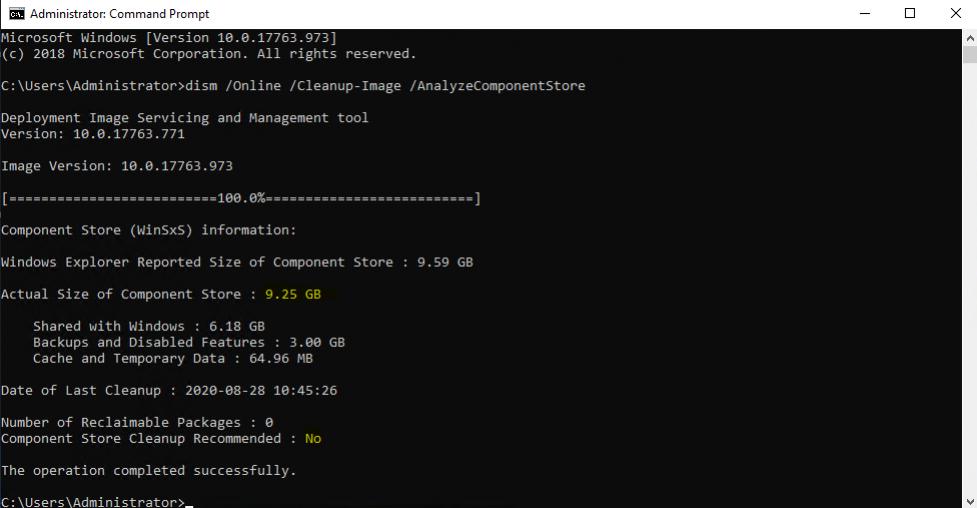
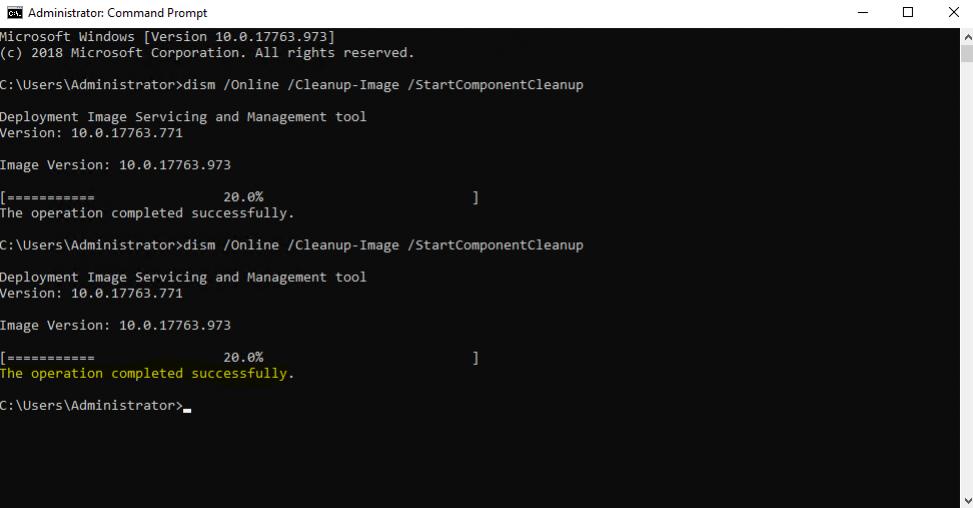
If the "Component Store Cleanup Recommended" is Yes, run the following commands
dism /Online /Cleanup-Image /StartComponentCleanup
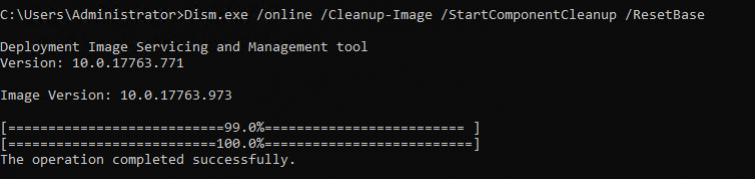
To clear up further space you can reset the base image. Note, after doing this all service packs and updates cannot be uninstalled from this point, future ones can be
Dism.exe /online /Cleanup-Image /StartComponentCleanup /ResetBase